Strip away the jargon and non-human identity management for AI agents is four habits. Almost nobody manages all four.
- one identity per agent
- a real person who owns it,
- permissions kept small,
- credentials that expire on schedule.
Here’s a scenario you’ve probably seen some version of. A developer spins up a support bot at a hackathon and wires it into the ticketing tool with their own admin token, because filing the proper access request would have eaten a week. Fast forward a year. They’ve changed teams. The bot now touches real customer data. And that token? Still works.
If you’re the person who’ll get grilled about that bot at the next audit, this guide is for you. I’ll explain what non-human identity management for AI agents actually means in practice, where regular IAM runs out of road, a rollout plan you’re welcome to copy, and what to put in front of your auditor.
What Is Non-Human Identity Management for AI Agents?
Basically, it’s the job of giving your AI agents credentials, keeping those credentials small, watching how they get used, and shutting them off when they’re not needed anymore.
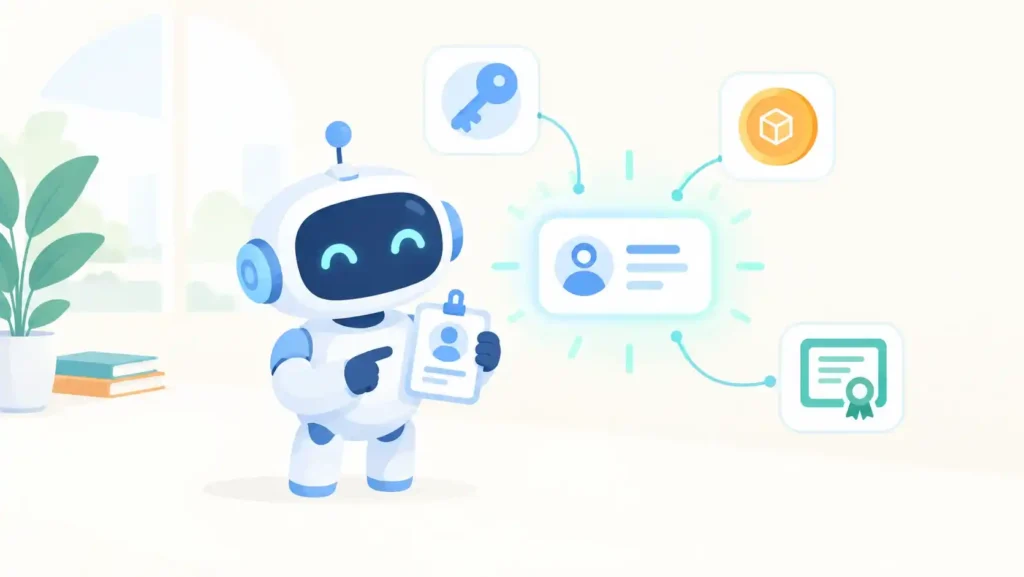
Think about what an agent does all day. You give it a goal, it picks its own tools, and off it goes. Nobody approves each step. Every one of those tools needs some kind of access, so you end up with an API key here, an OAuth token there, and some service account a colleague set up in 2022 that nobody has touched since. Non-human identity management for AI agents means keeping all of that in one place, under one set of rules, instead of leaving it scattered across repos and pipeline configs where nobody can find it.
Here’s a simple way to see where you stand. Take something an agent did yesterday. Which agent was it? Who’s responsible for it? What was it allowed to access, and when does that access run out? If you can’t answer that in a couple of minutes, you’ve got a problem, and plenty of teams do. That’s pretty much why non-human identity management for AI agents became its own thing.
Why Do AI Agents Break Traditional Identity and Access Management?
Traditional IAM was built around a person. Someone gets hired, logs in every morning, goes home at night, and one day quits. Agents don’t do any of that.
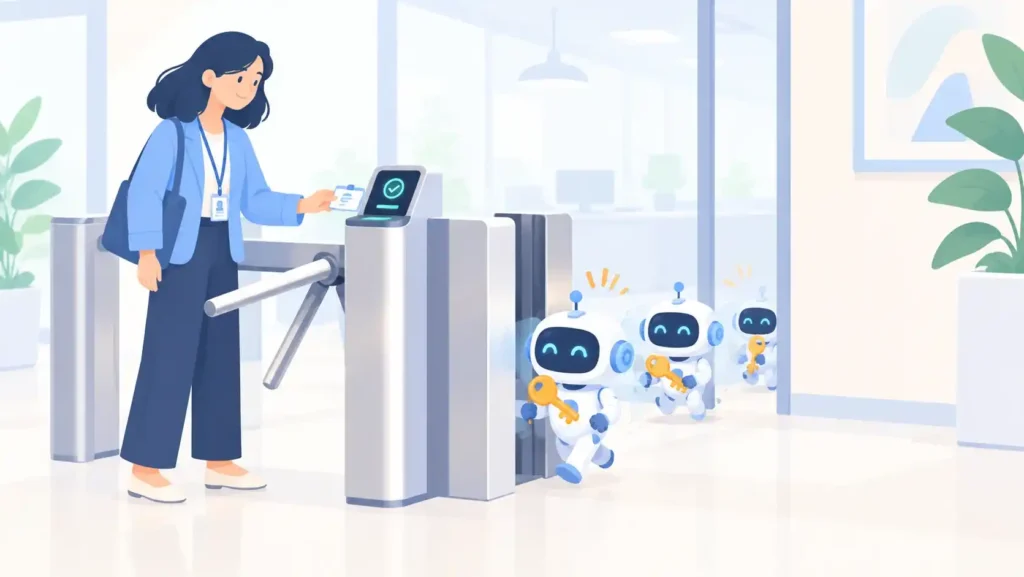
Which means a lot of things quietly stop working. Take offboarding. A pilot wraps up, everyone moves on, and the access just stays there. MFA is no help either, since the thing calling your system is a script with a token in its pocket. Alerts for “unusual login time”? An agent that runs overnight on purpose will trip those constantly, or never, depending on how you tune them. And the one that bothers me most: when an employee leaves, their accounts go with them. When a team disbands, the agent they built keeps running, credentials and all.
Then there’s the numbers problem. Cloud Security Alliance research puts it at around 45 non-human identities for every person on average, and up to 144 to 1 in cloud-native environments. That’s a lot of keys. Without non-human identity management for AI agents, every new agent adds to the pile, and most security tools were built to keep an eye on people, not on thousands of tokens nobody remembers creating.
NHI vs Machine Identity vs Human Identity: What’s the Difference?
Human identities belong to people, machine identities belong to devices and workloads, and NHI is the umbrella that also covers API keys, OAuth tokens, bots, MCP servers and AI agents.
| Feature | Human identity | Machine identity | AI agent identity |
| Represents | An employee or contractor | A server, device or workload | Software acting for a person or team |
| Typical credential | Password plus MFA | Certificate or workload token | API key, OAuth token, service account |
| Lifecycle trigger | HR events | Deployment and decommissioning | Often none, which is the problem |
| Behavior | Predictable hours and patterns | Fixed and repetitive | Variable, goal-driven, multi-step |
| Ownership | The person themselves | Infrastructure team | Frequently unclear |
| Main risk | Phishing, stolen passwords | Expired or leaked certificates | Over-broad access nobody sees |
| Best control | MFA and access reviews | Automated rotation | Unique identity, scoped access, short-lived credentials |
Agents don’t fit one column cleanly, because they often borrow a person’s authority to get things done. So log both: the agent and the human who sent it. Read down the right-hand column and you’ll see why non-human identity management for AI agents needs more new controls than the other two. Lifecycle, ownership, behavior. All weak by default.
Which Identities Does Non-Human Identity Management for AI Agents Need to Cover?
Mostly five kinds: API keys, OAuth tokens, service accounts, cloud workload identities, and the connections to tool servers.
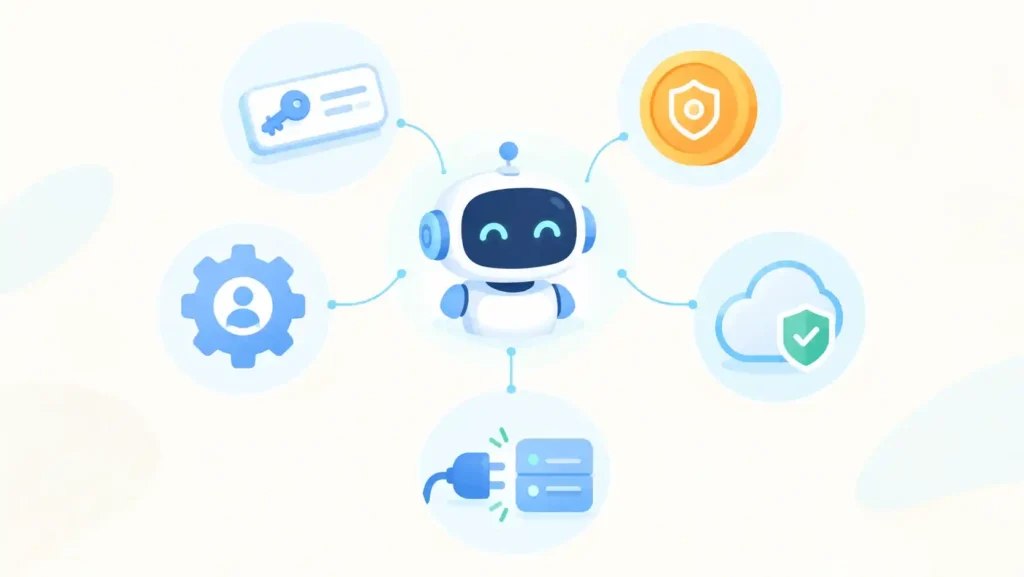
API keys are the usual starting point because they take thirty seconds to create and they leak just as easily. A lot of them never expire. A lot of them have nobody’s name on them. OAuth tokens are a step up, since you can limit what they’re allowed to do. The catch is the refresh token. If that one never expires, you’ve given most of the benefit back. Then there are service accounts, which tend to collect permissions like old receipts. Taking access away always feels riskier than leaving it, and nobody wants to be the person whose cleanup killed the nightly job.
Cloud workload identities are the easy win. The platform hands out short-lived credentials on its own, so nobody has to copy and paste a secret into a config file. Last come tool servers. Each MCP server an agent connects to widens what it can reach, so write those down too. Honestly, a proper map of non-human identity management for AI agents starts with that list.
What Are the Core Principles of Non-Human Identity Management for AI Agents?
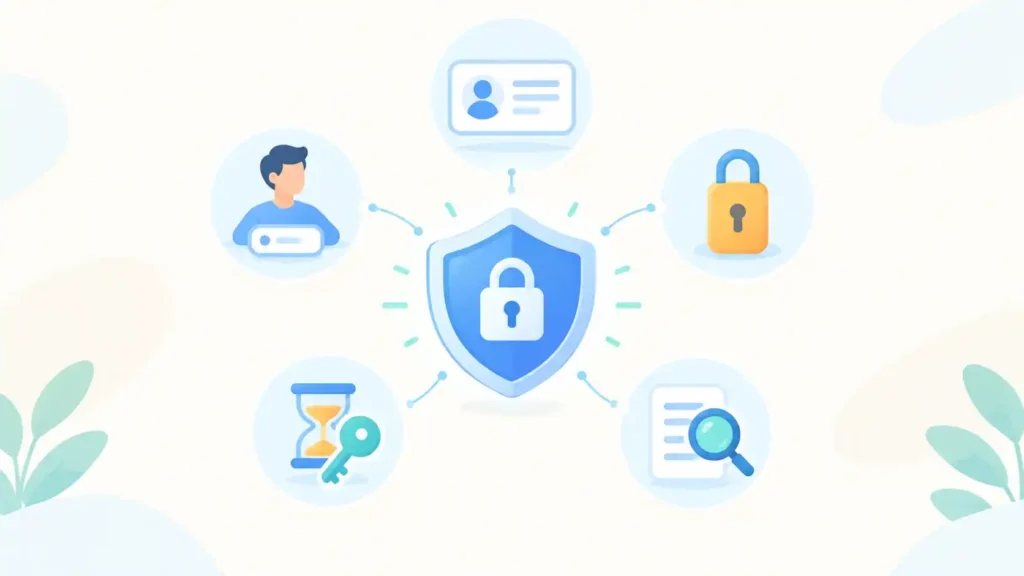
If I had to boil it down, I’d keep five rules: each agent gets its own identity, somebody owns it by name, it gets only the access it needs, its credentials expire fast, and every action is logged in a way you can trace later.
The first one matters most. When two agents share a key, you can’t work out which of them did the dodgy thing, and turning one off breaks the other. For me that’s reason enough to take non-human identity management for AI agents seriously.
On owners, the Cloud Security Alliance says each agent should have a sponsor, meaning the person who can explain why it exists, and an oversight owner who keeps an eye on what it actually does. Yeah, it’s more paperwork. Then something breaks at 2 a.m. and you’re glad you know who to call.
Don’t count on the prompt to set limits. Telling an agent “only read tickets” doesn’t help if the token behind it can also delete them, because it’ll use whatever the token allows. So sort out the boundaries, and who has to approve what, before it gets access at all.
Short-lived credentials are the other big one. Rotate them automatically and hand out access only when it’s needed. A stolen token that’s dead within the hour is a small problem. One that’s been valid for three years is not.
Last, logging. Every action should lead back to the agent, and to the person who gave it the job if there was one. Without that, you’re guessing during an incident.
How Do You Implement Non-Human Identity Management for AI Agents in Six Steps?
Inventory, owners, unique identities, trimmed permissions, automated rotation, then monitoring. Start with the inventory, because you can’t govern what you can’t see.
- Inventory first. List every agent, its credentials, the systems it reaches and who made it. Dig through repos, pipelines, automation platforms and cloud consoles. You’ll find things you’d forgotten.
- Pick an owner for each one. An agent nobody claims is a candidate for the off switch.
- One identity each. Replace shared keys with separate credentials so you can trace and revoke them one at a time.
- Shrink the permissions. Compare what an agent can do with what it does, and delete the difference. Keep read access and write access apart.
- Automate expiry. Put secrets in a vault, prefer short-lived tokens, and stamp an end date on every pilot credential.
- Watch and review. Alert on odd volume, new destinations and access outside the usual scope. Look over the register every quarter, and again whenever an agent changes jobs.
Don’t try all six at once. I’d pick the five agents with the widest access, finish steps one to four for them, and only then expand. Starting small keeps non-human identity management for AI agents realistic, and it hands you a quick win to show leadership. Big-bang identity projects tend to die somewhere in month two.
What Mistakes Break Non-Human Identity Management for AI Agents?
The usual culprits in non-human identity management for AI agents are shared keys, “temporary” admin access, secrets pasted into prompts, pilots nobody shut down and logs that don’t say who asked.
Admin access deserves its own warning. “Just to get it working” is how most over-privileged agents are born, and the cleanup that was supposed to follow rarely happens. Secrets in prompts and notebooks come second. They get copied, screenshotted and shared in places nobody audits. And a test agent that outlives its experiment keeps its credentials long after everyone forgets it.
One more that’s easy to miss in non-human identity management for AI agents: giving the agent a human account. It hides the agent’s activity inside normal user traffic, and later you can’t pull the two apart.
How Do You Measure Whether Non-Human Identity Management for AI Agents Is Working?
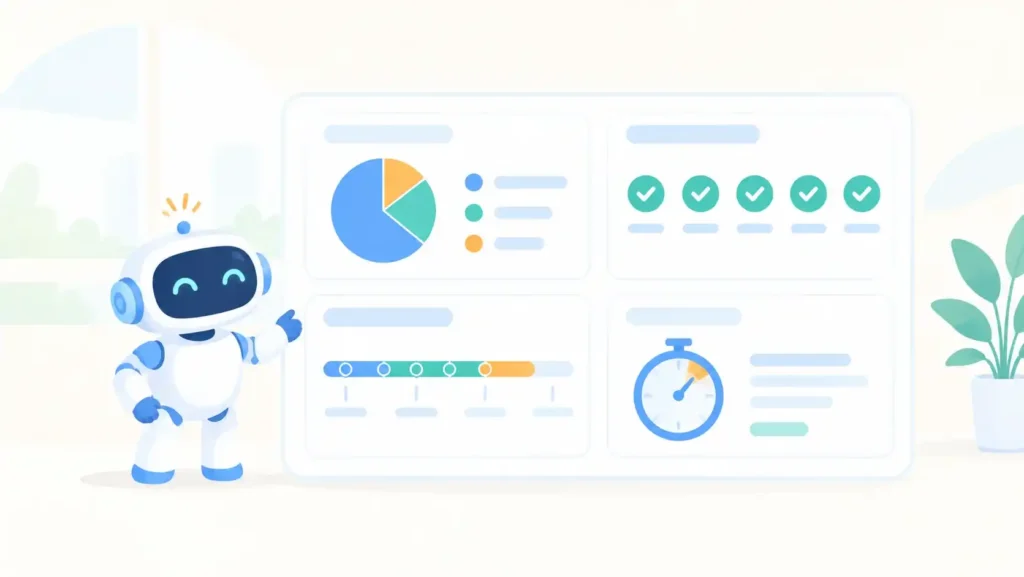
I’d keep an eye on four things: coverage, ownership, how old your credentials are, and how fast you can revoke one. When every agent is on the list, has an owner, has limited access and gets rotated, and you can cut one off in a few minutes, then non-human identity management for AI agents is actually working.
You don’t need a dashboard full of metrics. Four numbers will do. Coverage is simply how many of your agents and credentials made it into the register. Ownership is how many of those entries have both a sponsor and an oversight owner. Credential age tells you how long keys stay alive before anyone rotates them, and, more telling, how many never expire at all. Then revocation time: can you switch off one agent without breaking the others around it? If the honest answer is “a couple of days”, that’s the first thing to fix.
How Does Non-Human Identity Management for AI Agents Support SOC 2 and ISO 27001 Audits?
SOC 2 and ISO 27001 both come down to the same demand: show me who has access and prove somebody’s in control of it. A register listing each agent’s owner, its permissions and when its credentials were last rotated does that job.
On the SOC 2 side, look at the logical access criteria, the CC6 series. They’re about how you grant access, how you change it and how you take it away. Ask an auditor about your service accounts and API keys and expect three questions per item: who owns it, why does it exist, and when did anyone last review it. ISO 27001:2022 gets to the same place through identity management (A.5.16), authentication information (A.5.17), access rights (A.5.18) and privileged access rights (A.8.2).
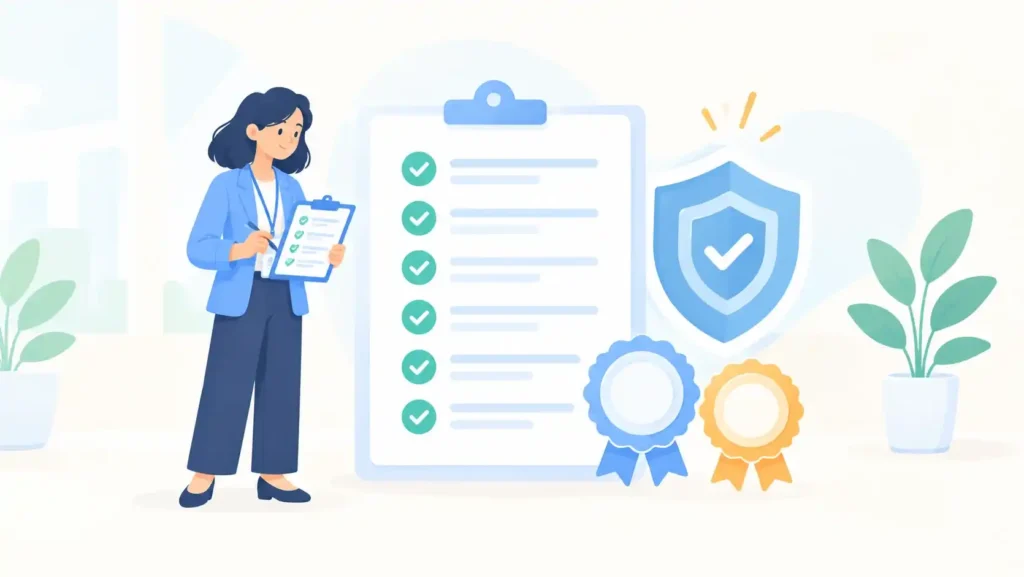
If you work in healthcare, fintech or legal, this one hits harder. One credential with too much scope can expose records you’re legally bound to protect. Get non-human identity management for AI agents sorted early and the register is already sitting there when the audit window opens. You save weeks of scrambling, and the conversation with the auditor goes a lot more smoothly.
Frequently Asked Questions About Non-Human Identity Management for AI Agents
What does NHI stand for in cybersecurity?
Non-human identity. Any identity that belongs to software rather than a person: service accounts, API keys, bots, AI agents.
How is this different from regular IAM?
IAM revolves around employees and HR events. Non-human identity management for AI agents adds ownership tracking, automatic expiry and activity monitoring for software that never clocks out.
Do AI agents need MFA?
Not the way people do. Use strong, short-lived credentials, workload identity where it’s available, and tight scoping. An agent can’t tap a prompt on a phone.
Where should a team start?
The register. Most organizations turn up agents and credentials they didn’t know existed, and for non-human identity management for AI agents that list shapes every later decision.
Conclusion: Make Non-Human Identity Management for AI Agents a Standing Practice
Agents are arriving faster than governance can keep up, and that won’t change soon. So keep the basics boring. A name, an owner, narrow permissions and credentials that expire, plus someone checking the register on a schedule.
If you’d like a second opinion on your agent inventory, or need to map it to SOC 2 or ISO 27001 evidence, the Diginatives security team offers assessments and vCISO support for exactly that. And here’s a cheap first move: list your five most powerful agents and find out who owns each one. It rarely takes long, and it usually shows where the risk sits.
Discover more from Diginatives
Subscribe to get the latest posts sent to your email.