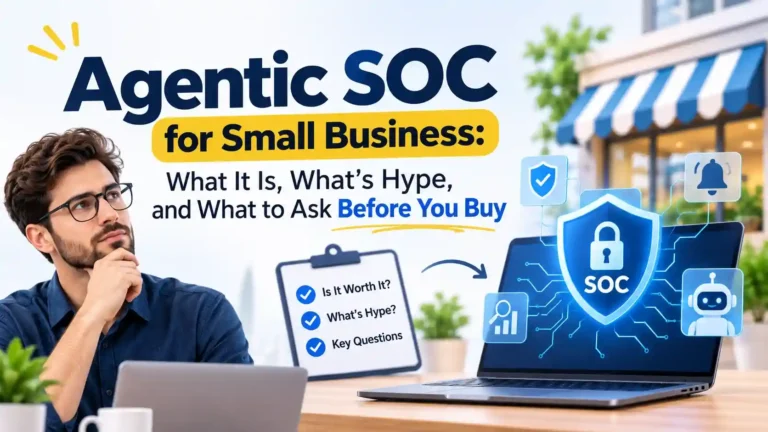
Quick summary
- An agentic SOC is AI doing the first pass on your alerts. People still sign off on anything serious.
- SOAR runs fixed playbooks, which works fine until something unexpected shows up. Agentic tools can cope with that, but only if you set firm limits.
- Thinking of building one yourself? Probably not worth the pain. Most small firms are better off buying it as a managed service.
- Don’t hand over a cent until you’ve run it on your own data. Then ask the vendor one thing: what will this do without checking with me?
Picture a five-person IT team on a Monday morning. The coffee’s still hot, and the dashboard already shows 300-odd alerts from overnight. Most are junk, like a failed login here or a harmless scan there. A few might be real. Who has time to tell the difference before the first customer call? Nobody, honestly. That gap is exactly where an agentic SOC for small business starts to make sense.
Attackers aren’t slowing down, and these days there’s an AI-driven intrusion story almost every week. Below I cover how an agentic SOC works, where it falls short, and what to ask a provider before you commit.
What Is an Agentic SOC?
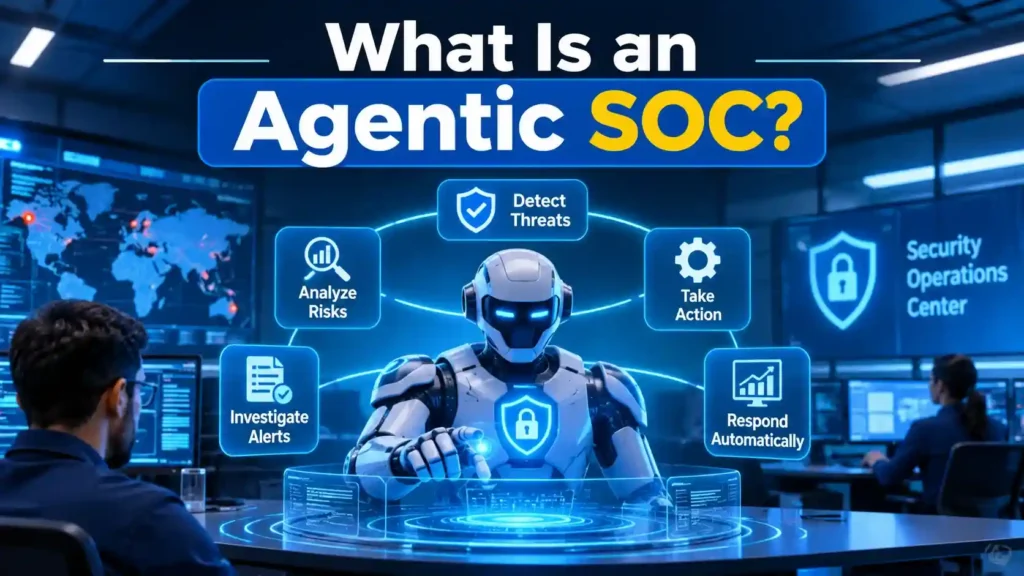
Think of an agentic SOC as a tireless junior analyst. It sorts the alerts and collects the evidence, and a real person makes the final call.
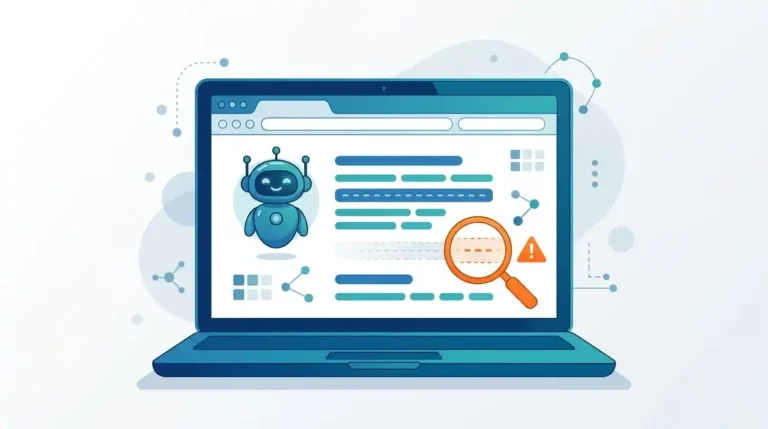
First, the basics. A SOC (security operations centre) is the team and tools that keep watch over your systems for threats. In the old model, people read alerts one at a time, all day long. In an agentic model, software agents take the first pass instead. They open the alert, pull in context, compare it against known attacker behaviour, and decide if a human really needs to look at it.
That word “agentic” is doing real work here. It means the software can take several steps toward a goal without being nudged at every stage. Say you ask a chatbot to summarise an alert, and it does. That’s an assistant.An agent just gets on with it. It opens the alert, checks who logged in from where, and hands you something you can actually act on. Some vendors stick the “agentic” label on a chatbot, so ask for a live demo before you buy the pitch.
Why Is This Topic Suddenly Everywhere?
Attackers are now handing chunks of their work to AI agents, and a small team clicking through alerts by hand can’t keep up.
Google’s Threat Intelligence Group laid this out in September 2026. In the cases it studied, AI agents coordinated vulnerability scanning, credential collection and troubleshooting with far less effort from the human operator. One campaign stood out: a mass credential-harvesting operation was planned, built and launched in under six hours. Six hours! Microsoft, meanwhile, tied a run of attacks to a China-linked actor using an AI penetration-testing framework called ARTEX. The goal was to speed up abuse of apps that already had access inside Microsoft 365 environments.
Now, a fair caveat. Google also said fully autonomous hacking isn’t widespread yet, and most of what it saw still had people steering. Fine. But does that really change the picture? The gap between first access and real damage keeps shrinking, and that’s why slow, manual triage is getting riskier every month.
How Does an Agentic SOC Work?
It works the way a human analyst would: spot the problem, check it, dig in, act, and pass it up if needed. The agents just do the first few steps faster.
Take a simple example. Someone in accounts clicks a link in a fake invoice email. Here is roughly what happens next:
- Detection. Your email or identity tool flags a sign-in from a country the employee has never visited.
- Triage. The agent checks if the device is known, whether this person travels for work, and if the IP address has a bad name.
- Investigation. It then looks for anything related. A new inbox forwarding rule is a classic, or a big sudden download of files.
- Decision. If the signs line up, it marks the case high risk and writes a short summary that a non-technical person can follow.
- Response. Within the limits you approved earlier, it signs the user out and ends their active sessions.
- Human review. An analyst reads the summary and confirms it. Then they decide on password resets and what staff should be told.
Most of the risk sits in step five. You decide in advance what an agent may do on its own. Locking one account is fine. Shutting down a server isn’t, at least not until a person approves it. That split is the whole idea behind human in the loop security automation, and it’s worth asking any vendor how they handle it.
Agentic SOC vs SOAR: What Is the Difference?
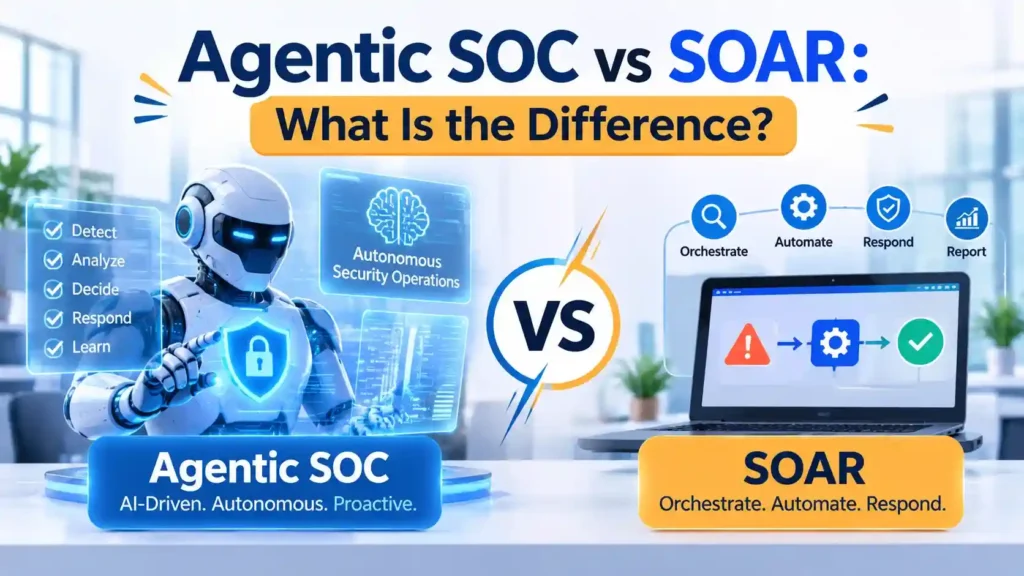
SOAR follows playbooks someone wrote in advance. An agentic SOC can work through situations nobody planned for. Either way, a person still needs to keep an eye on it.
SOAR (security orchestration, automation and response) is basically if-this-then-that. Known malware hash shows up? Isolate the laptop. It’s quick, and you always know what it will do. The catch is that it only handles what someone thought of beforehand. When an alert looks a bit strange, the playbook tends to freeze or just dumps it on a human.
Agentic tools don’t freeze. They look at the odd alert and decide what to check next. Sounds great, but they can also get it wrong, and that’s the part vendors skip. So the setup I’d trust pairs the two. Let the agents investigate, then let tested playbooks do the risky bits, like isolating a machine or disabling an account.
Here is a side-by-side view:
| Feature | Traditional SOC | SOAR | Agentic SOC |
| Alert triage | Manual, one alert at a time | Automatic, but only for known cases | Agents review most alerts and reason through new ones |
| Unplanned situations | Handled by analysts | Often stalls or escalates | Agents investigate within set limits |
| Setup effort | Hiring and training staff | Writing and testing playbooks | Connecting data sources and setting permissions |
| Speed | Minutes to hours per alert | Seconds for known cases | Seconds to minutes, even for new cases |
| Human role | Does the investigation | Builds and maintains playbooks | Supervises and approves risky actions |
| Main risk | Alert fatigue and missed alerts | Brittle rules | Wrong decisions made at speed |
| Best fit | Teams with analysts to spare | Repeatable, well-understood tasks | Teams drowning in alerts |
Do Small Businesses Need an Agentic SOC?
Most small businesses don’t need the technology itself. They need the result: someone watching and ready to act, day and night. For most, that means buying it as a managed service.
Hiring analysts costs a lot, and covering nights and weekends takes a full rota you probably can’t staff. Attackers know this. They also know a five-person team is asleep at 3 a.m. So the real question isn’t whether to build an AI https://diginatives.io/generative-ai-adoption-in-smbs/SOC for SMBs. It’s how to get coverage without hiring ten people. You’ve got three routes:
- Build it yourself. Rarely worth it. You’d need analysts, data pipelines and someone tuning the whole thing every week.
- Managed service with AI. A provider runs the agents and the human analysts across many clients, and you get the results. For most small firms, this is the sensible pick.
- Hybrid. You keep a small internal team and lean on a provider for after-hours cover and escalation.
Who gets the most out of an agentic SOC for small business? Anyone holding customer data, running a remote or SaaS-heavy team, or leaving the office dark at night. But if you’ve got ten laptops and nothing sensitive on them, solid basics (MFA, patching, backups) will probably do for now.
What Is Hype and What Is Real?
The real wins are faster triage and fewer wasted analyst hours. The hype is “fully autonomous,” “zero false positives,” or “you won’t need a security team anymore.”
Watch out for the demo effect. On stage, a vendor can close ten tidy alerts in thirty seconds. Your setup is messier. There’s an old file server nobody dares touch, some odd software from 2017, and at least one person sharing a password in a spreadsheet. So ask to see the tool run on your own data before you trust a number on a slide.
Most people in the industry still agree that a fully autonomous SOC doesn’t exist yet. Someone has to own the decision when it goes wrong, and a piece of software can’t do that. If a vendor tells you otherwise, treat it as a red flag.
What Should a Small Business Ask Before Buying an Agentic SOC?
Find out what the AI can do on its own, what needs a person’s approval, and who pays the price when something goes wrong.
Here’s the list I’d take into any vendor call. And I’d care less about the answers than about how fast and how clearly they come.
- Which actions can the agents take without asking? Which ones always need a human?
- Why did the AI make that call? If the only answer is a wall of logs, that’s a problem.
- Who’s on the hook when an automated action breaks something?
- Where does my data live, and who can read it?
- The agents have accounts too. How are those locked down?
- Say a high-risk case lands at 2 a.m. How fast does an actual analyst pick it up? Get that number in writing.
- What’s the price? What isn’t? (Log storage and incident hours are the usual surprises.)
- If I leave, what happens to my data and setup?
What Risks Does Agentic Automation Bring?
The big risks are agent accounts with too much power, bad calls made at machine speed, and the AI tools themselves becoming a way in.
Start with permissions. An agent with admin rights is handy, and it’s also a lovely target for an attacker. I’d treat its account like any other privileged user. Give it the least access it needs, protect it with strong authentication, log everything it does, and review it on a schedule.
The tooling around AI is getting hit too. Cursor recently warned that malicious extensions in its marketplace were installing backdoors on developer machines. Same lesson for security platforms: check what plugins and integrations yours is plugged into. Do you actually know?
Then there’s the quiet failure, which worries me most. Say an agent starts closing real alerts as harmless. Nobody notices. No error, no alarm, just a gap that shows up after an incident. So ask for regular reports on what the AI closed, and have a person audit a sample every so often.
How Much Does an Agentic SOC for Small Business Cost?
Prices differ a lot between providers. Most charge by users, devices or data volume, so get a written quote and compare exactly what each plan covers.
Don’t fall for the headline price. Plenty of plans add charges later for log storage, incident response hours or onboarding. I’ve seen the cheap option turn out to be the expensive one. A low-cost plan that leaves out human response can cost far more after a real incident than a pricier plan that includes it. So before you compare numbers, compare what’s inside them.
Frequently Asked Questions
Will AI replace SOC analysts?
No. AI takes the repetitive first pass, and analysts move to harder investigations and oversight. People still make high-impact decisions.
Is a chatbot on a dashboard an agentic SOC?
No. A chatbot answers questions when asked. An agent works through the case itself and takes limited actions. If you must prompt it every time, it is an assistant.
Where should a small business start?
Start with the basics that any SOC, human or AI, depends on. Turn on multi-factor authentication, collect logs from email, identity and endpoints in one place, and list your most critical systems. Without that data, even a good AI has little to work with.
Can security automation for small businesses work without agents?
Yes. Simple automation, such as disabling an account after an impossible-travel sign-in, already helps. Agentic tools add value when alert volume is too high for simple rules.
Final Thoughts
Should a small business bother with an agentic SOC? If nobody watches your systems at night, probably yes. An agentic SOC for small business won’t fix everything, but it does give you faster triage and someone (or something) on watch at 3 a.m., which most small teams can’t afford to staff themselves.
Just keep your expectations grounded. Set limits on what the AI can do alone. Keep a human in charge of the big decisions. And test it on your own messy data before you sign, because demos are always tidy. When you’re picking a provider, ask them about the last time their system got something wrong. How they answer will tell you more than any slide deck.
If you’d like a second pair of eyes on your setup, the Diginatives team works on cyber security and AI automation every day. Drop us a line and we’ll have a short chat about where you stand.
Discover more from Diginatives
Subscribe to get the latest posts sent to your email.